
Presenters belong to you, so they see your details, not ours: on their presenter page and whenever their link isn't working.
Presenter contact
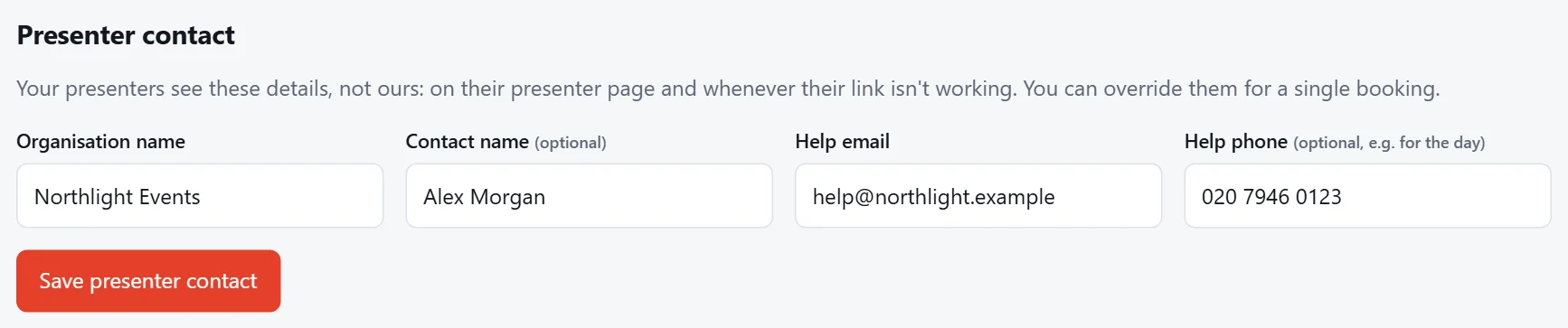
Set it once under Settings › Presenter contact:
- Organisation name: shown at the bottom of the presenter page.
- Contact name (optional).
- Help email and Help phone (optional): who presenters contact if something isn't working.
Tip
Do this before you send any links. Until it's set, your bookings page shows a "to do" reminder next to Presenter contact in the Settings menu.
Different details for one booking
Running an event for someone else? On that booking, under Details, open Presenter contact for this booking only and fill in their details instead. Leave it empty to use your usual contact.
Booking details
Also under Details on each booking:
- Name: the event name presenters see on their page.
- Q&A link (optional): a link to your audience Q&A, such as Slido, shown on the presenter page under the slide clicker, so presenters can see questions. They can also open it in its own window.
Press Save details to keep changes.