
Only you, the organiser, need an account. Your presenters never sign in: they just use the private link you send them.
Sign up
- Go to Get started.
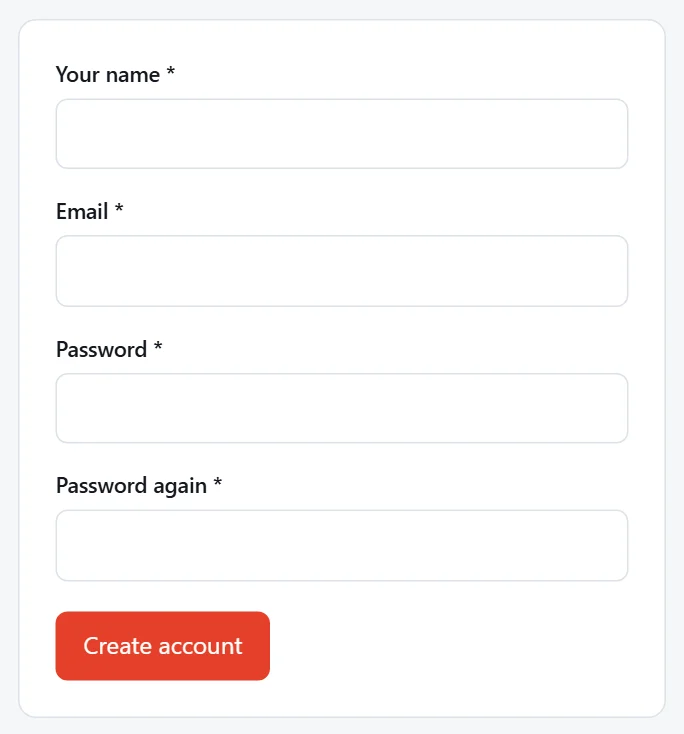
- Enter your name, your email address and a password (twice). The password needs at least 8 characters, with a number, a capital and a lowercase letter.
- Press Create account.
Confirm your email address
We email you a link to confirm your address. Open the email, "Confirm your email address for Presenter Ingest", and press Confirm my email address. You're signed in and taken to your bookings.
Note
The email can take a minute or two to arrive. If you can't find it, check your junk folder. The link works for 7 days.
If you try to sign in before confirming, we'll remind you, and send you a new link if the last one was sent more than 10 minutes ago.
Sign in
Sign in at Sign in with your email address and password. Tick Remember me to stay signed in on that computer.
Forgotten your password? Press Forgot on the sign-in page and we'll email you a link to set a new one.