
Billing details
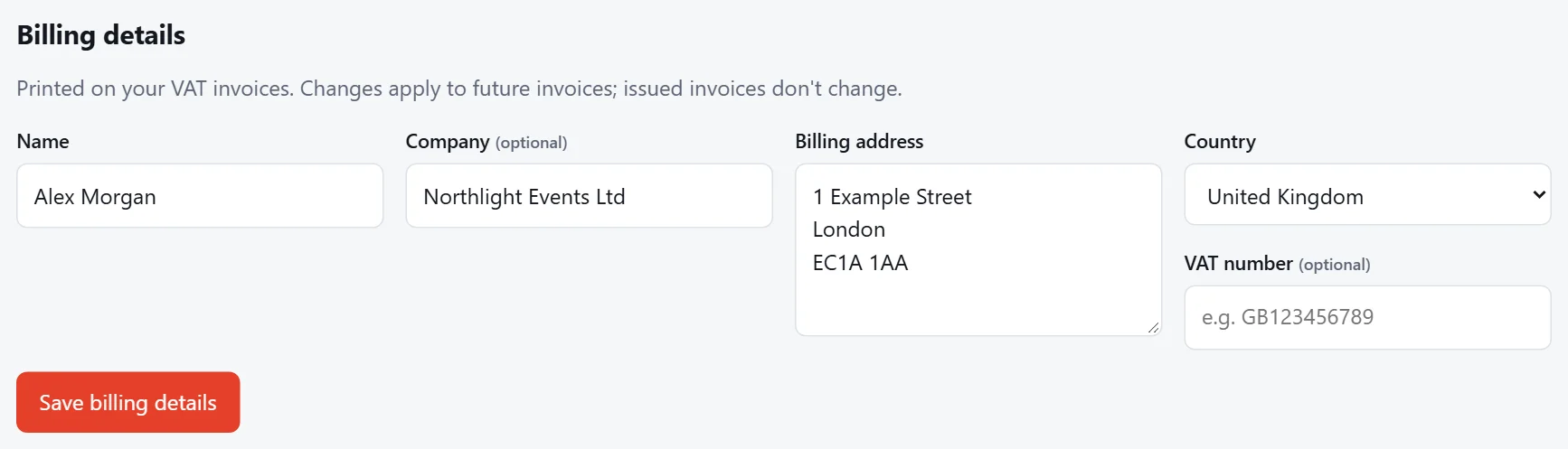
Your invoices use the billing details under Settings › Billing details: your name, company, billing address, country and VAT number. You also fill them in when you book. Changes apply to future invoices; invoices already issued don't change.
VAT
- In the UK and the Isle of Man: prices include UK VAT at 20%, shown on your invoice. A VAT number is optional.
- Outside the UK we sell to businesses only. Enter your company name and its VAT or tax number (EU VAT numbers are checked with the EU's VIES service). You pay the same price with no UK VAT: the reverse charge applies, so you account for any VAT in your own country.
Invoices
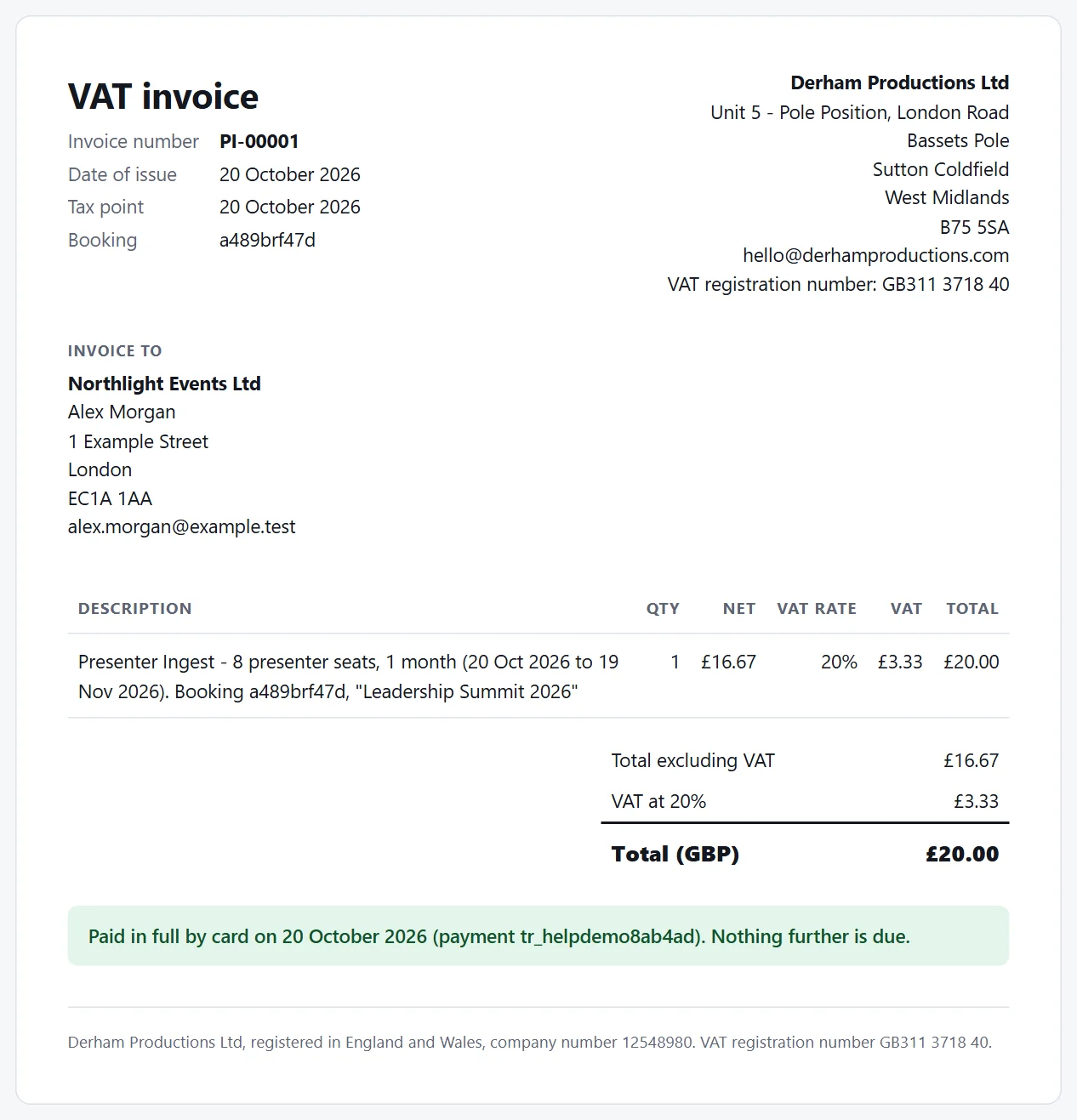
There's an invoice for every payment: the booking, each extension and each auto-renewal. A UK customer's invoice is a VAT invoice.
- On a booking, the invoices for it are listed under Invoices.
- Settings › Invoices lists all of them.
Open an invoice to view it or print it, or to save it as a PDF from your browser's print option.
Tip
Need something different on an invoice, such as a purchase order number? Send us a message.